
Lead Intake
09. Form Studio & Submissions
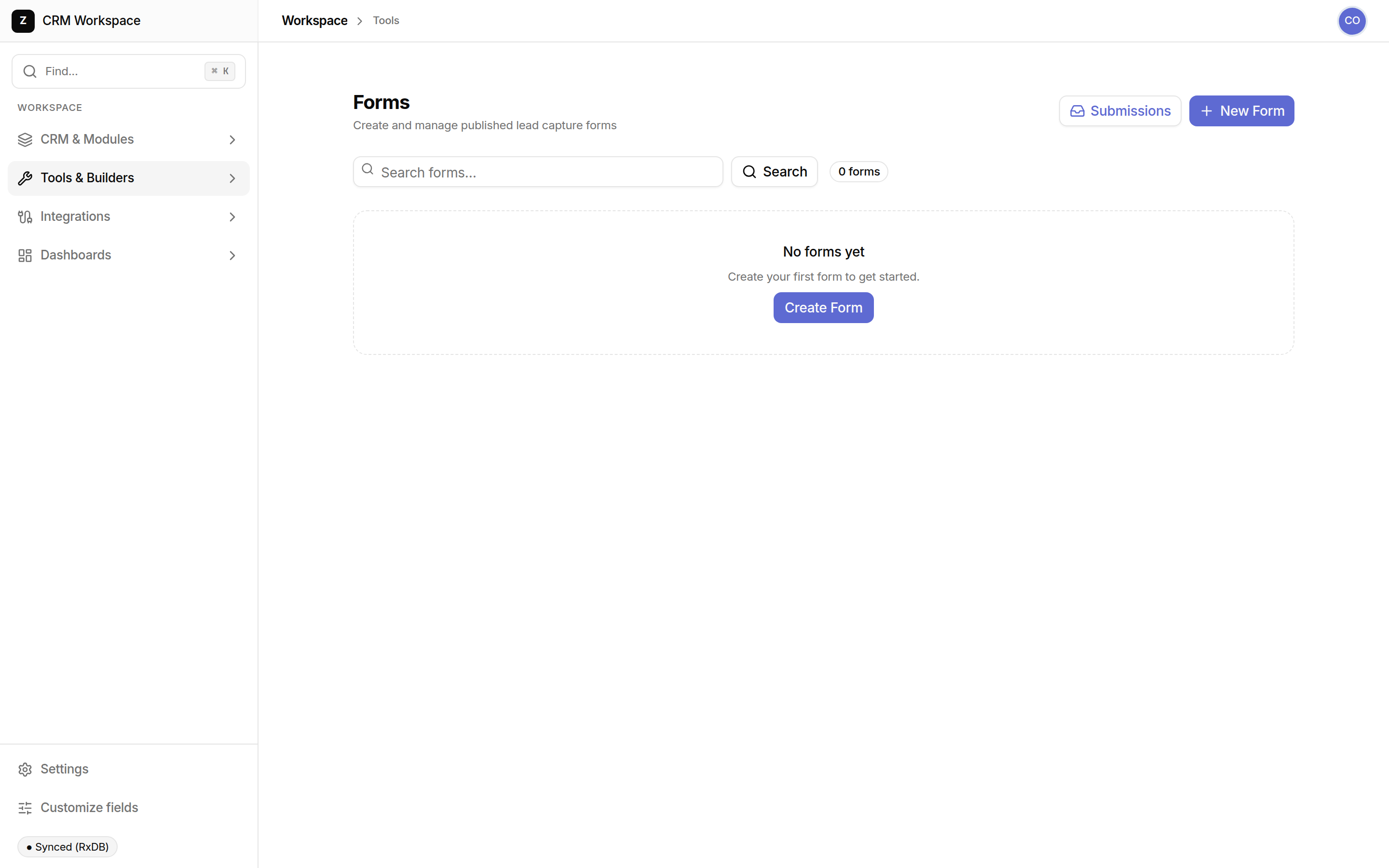
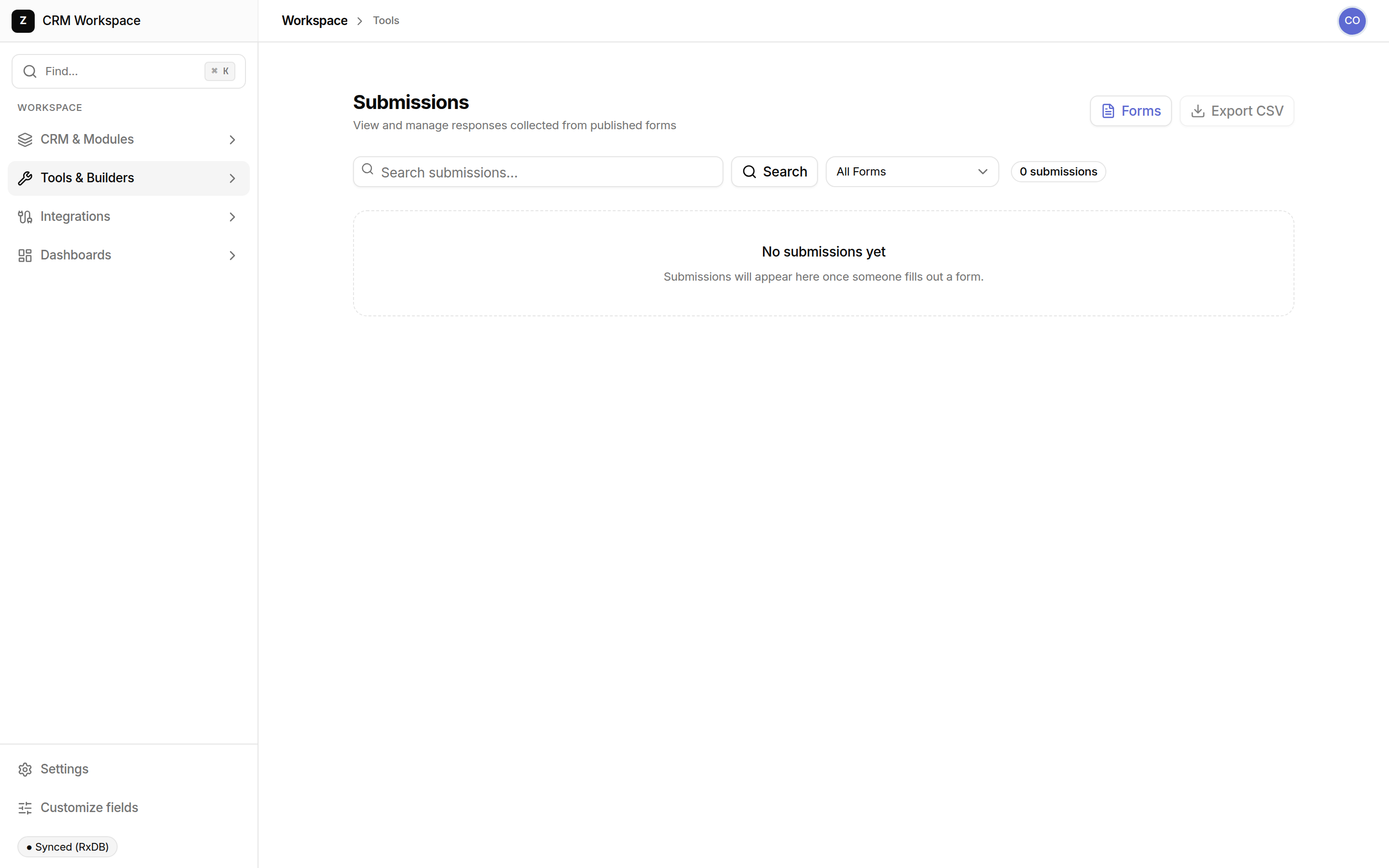
Form Studio enables team members to build and publish custom intake forms without writing code. Forms generate hosted shareable links (/f/$formId) or embeddable iframe snippets that feed submissions directly into your CRM database.
Supported Field Types & CRM Mapping
Pre-configured input components with automatic CRM data synchronization:
| Field Type | Supported Attributes | Automatic CRM Mapping |
|---|---|---|
| Text / Email | Required, regex validation, placeholder | Maps to Contact Name / Email |
| Phone Number | Country code selector, SMS consent flag | Maps to Contact Phone |
| File Upload | Max size, allowed extensions (PDF, PNG, SVG) | Uploads directly to secure asset storage |
| Single / Multi-Select | Custom option list, default value | Maps to Deal Category or Custom Field |
Form Studio Alternatives Comparison
| Form Capability | SHPI Form Studio | Standalone Form SaaS (Typeform/Tally) | Static Web Form Plugins |
|---|---|---|---|
| Database Ingestion | Direct native entry into CRM tables; zero integration needed | Requires Zapier/Make to forward payloads into your CRM | Emails notification without structured database capture |
| Operational Automation | Immediately triggers internal workflows and rep assignment | Delayed execution waiting for third-party polling cycles | Requires custom server-side scripts and database maintenance |
| Cost & Submissions | Included with workspace; unlimited forms and responses | Monthly pricing tiers based on aggressive submission limits | Free, but provides zero CRM integration or data hygiene |