
Execution Rhythm
08. Activities & Contextual Tasks
Activities ensure no customer commitment or operational deadline falls through the cracks. Unlike generic todo lists, every activity in SHPI remains connected to its parent deal, account, or work order.
Productivity Tip: Use the global command palette (⌘ K or Ctrl + K) anywhere in the workspace to rapidly log a phone call or schedule a milestone task without changing tabs.
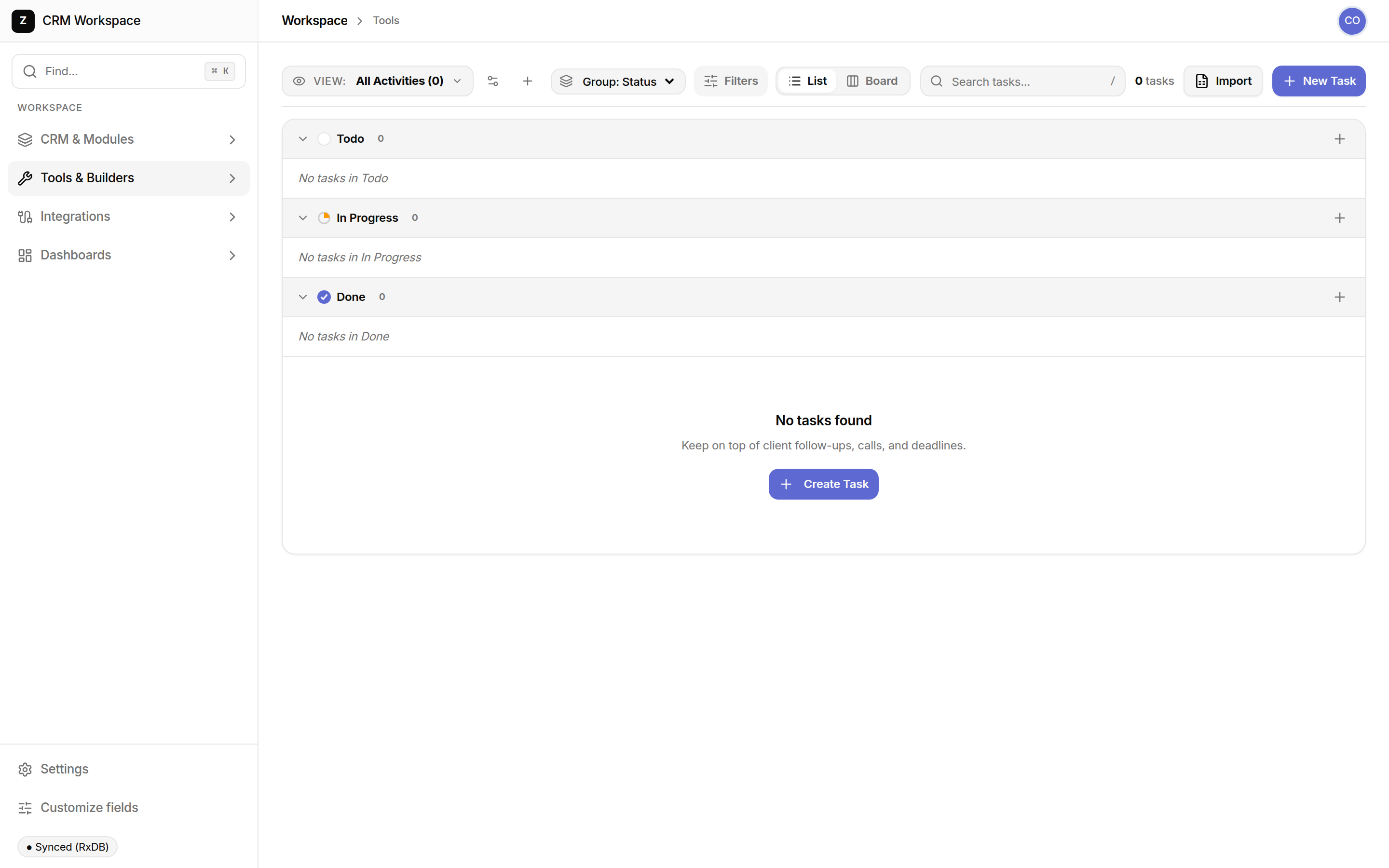
Activity Types & Organization
Standard activity classifications providing context to team follow-ups:
| Activity Dimension | Configuration Options | Workflow Effect |
|---|---|---|
| Activity Type | Call, Meeting, Task, Email Follow-up, Milestone | Categorizes workload and triggers relevant notification intervals |
| Priority Level | Urgent (🔴), High (🟠), Normal (⚪), Low (🟢) | Positions critical client deliverables at the top of daily agendas |
| Entity Linking | Linked Account, Contact, Deal, or Custom Record | Displays the task contextually inside the customer record drawer |
Activities Alternatives Comparison
| Task Dimension | SHPI Activities | Generic Todo Apps (Todoist/Asana) | Spreadsheets / Paper Checklists |
|---|---|---|---|
| Commercial Context | Directly attached to the client, deal value, and invoice | Isolated tasks lacking customer context or purchase history | No connection to revenue records or customer timelines |
| Automated Creation | Workflows auto-generate follow-up tasks on deal movements | Requires third-party webhook integrations that often fail | 100% manual transcription; tasks frequently forgotten |
| Shared Accountability | Whole team can review what was agreed during past phone calls | Private or personal boards that disconnect team members | Lost in personal notebooks when employees are away |